






Reading. I love it and now’s a good time to dive into some books. But with all the brick and mortar bookstores and libraries closed, how can you access new books to read right now?
Have a library card? Good, that’s all you need.
Now if you turn your library card over you should have a bar code number. If you’re currently using your library’s mobile app you are probably using that number to do everything from renew books to search subscription databases. Maybe you’ve even using your library’s app to check out ebooks.
And while you may be using your library app to check out ebooks you may want to take advantage of another library app that allows you to check out ebooks, magazines, and audio books using multiple library cards (and If you’re like me, you have multiple library cards). In three steps you can go from wishing you had something to read, to reading a free digitized book or magazine or listening to an audio book all from your library without leaving your home.
1. Meet Libby
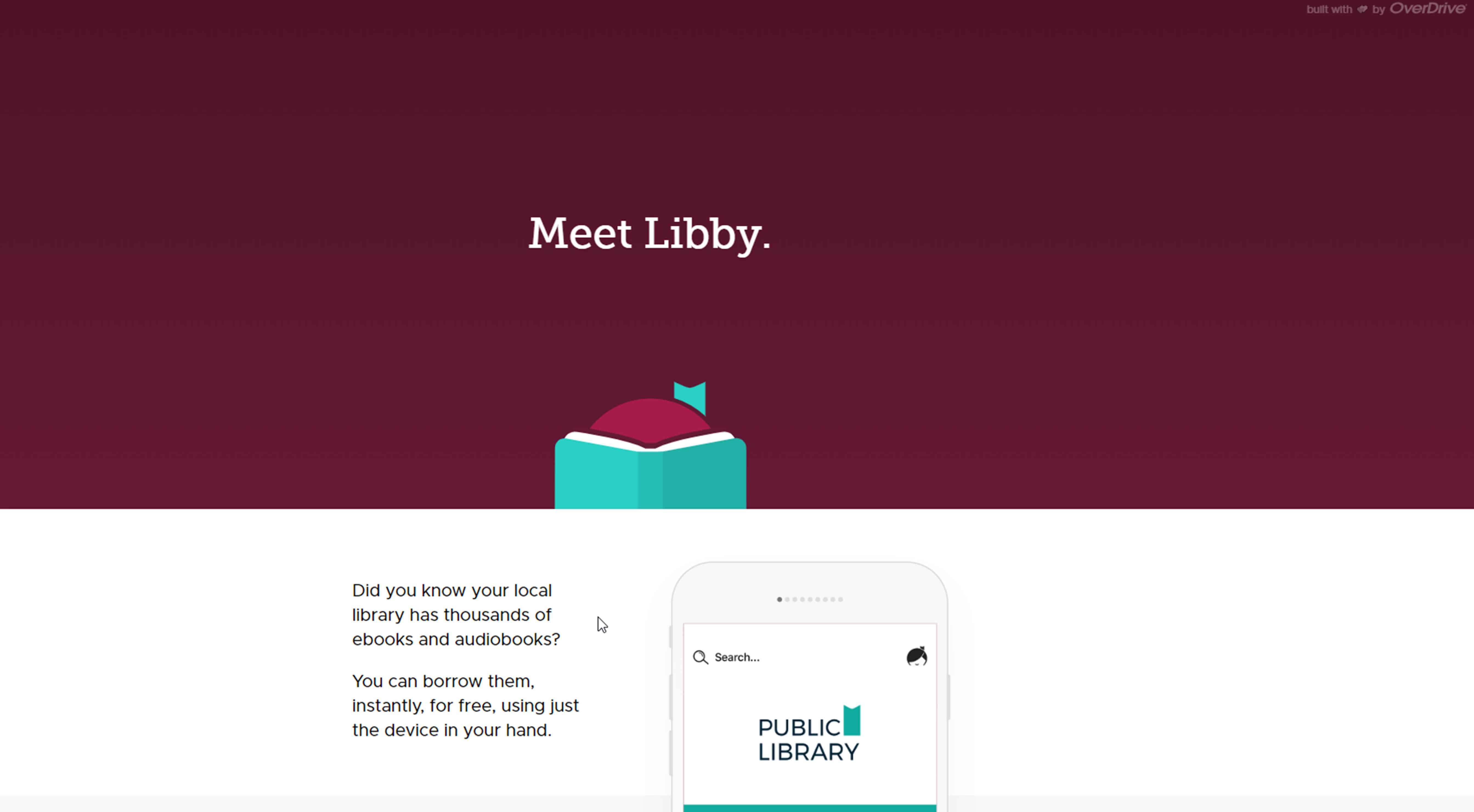
Libby is a library app that allows you to check out digitized books, magazines, and audio books from libraries. You’ll need two things to get started, your library card/s and the Libby app which can be downloaded from your mobile devices app store (Apple or Google).

Once you install the free app on your mobile device, Libby will help you search for your library and then enter your library card bar code numbers. Now you are ready to search!
2. Find Books

The app is pretty easy to use. You can search or browse the holdings of each library you have entered. Once you click on what you are interested in you can read a sample, borrow the item if available, or if not, place a hold on the item. If you borrow the items you will be shown the item and how many days your check-out is.

Now here is what is so important and it’s easy to forget because it’s an app. When you’re done with the item, especially if you are done early, return it. This might not seem important with virtual items but it is. Other people may be waiting for it. I recently checked out some audio books for a trip. When I returned home I realized that I needed to “return” those early since I didn’t have time to listen to all of them and in fact there was someone waiting for one of the items. I’m sure that made them happy and there was no need for me to have the item anymore. (One library allowed me to keep the items for 21 days, the other 14 days).
However, if you need your items for the length of your loan or you forget your have it, your loans will be returned automatically on their due date.

The Libby app is fairly simple to use and you can see everything you have checked out on your “shelf” which appears at the bottom of your screen. To navigate between what you are reading and your library offerings and shelf use the bottom tool bar.
3. Read
Once you have entered your library card, and borrowed some items, it’s time to read.
- For books click on the Read With option on your Shelf. You can decide whether to read the item with the Kindle app or with the Libby app. Once you start reading in the Libby app you can use the app’s tools such as searching within the book, bookmarks, reading settings (allows you to change the size of the text and lighting) to customize your experience. Reading a book is as simple as swiping the pages on your mobile device just as you would on other reading apps. The Read with Kindle feature is only available in the US.

- Reading a Magazine is simply a matter of clicking on the magazine and then swiping the pages.
- To play an audio book you select it and push the play button.
- So it’s all pretty easy to navigate
Libby does have online helps. Start with the Getting Started with the Libby app web page .
I love the Libby app and I know you will too. Grab your library cards and start reading!
Gena Philibert-Ortega is an author, instructor, and researcher. She blogs at Gena's Genealogy and Food.Family.Ephemera. You can find her presentations on the Legacy Family Tree Webinars website.


Comments (0)